
Is it bad to charge your phone overnight? If you plug in before bed and unplug at sunrise like most people, you have probably wondered whether those eight hours on the cable are quietly killing your battery.
Here is the short answer: charging your phone overnight will not ruin it. But a handful of charging mistakes — some of which happen while you sleep — can quietly age your battery months faster than it should. Here is what really happens inside your phone overnight, the seven mistakes worth fixing, and the settings that protect your battery while you sleep.
Is it bad to charge your phone overnight? What the science says
Not in the way most people fear. Your phone cannot “overcharge” the way old gadgets could: every modern smartphone cuts power once the battery hits 100 percent, then only feeds tiny top-ups back in as the level drifts down.
The real issue is subtler. Lithium-ion batteries — the kind inside every phone — age faster when they sit at a full 100 percent charge for hours, especially in warmth. When your phone finishes charging at 1 a.m. and stays pinned at full until your 7 a.m. alarm, the battery spends six hours under high-voltage stress, and that steady stress adds up to gradual capacity loss.
Heat is the bigger enemy. A phone that charges in a warm room, under a pillow, or inside a thick case runs hotter — and heat accelerates the chemical aging inside the battery far more than the extra hours on the cable do.
For perspective, Apple rates iPhone 15 and later batteries to hold up to 80 percent of their original capacity after 1,000 complete charge cycles under ideal conditions; earlier iPhones were rated for 500. Most people will not notice overnight-charging wear in the first year or two — the damage shows up in year two and three, exactly when the battery starts dying by dinner.
The 7 charging mistakes that really hurt your battery
1. Pinning the battery at 100% all night, every night
This is the number-one fixable habit. A lithium-ion cell kept at full charge experiences more voltage stress than one kept in the middle range. Fix: turn on your phone’s battery protection feature (see mistake #7 below) so it pauses at 80 percent and finishes just before you wake up.
2. Charging under your pillow or on the bed
Plenty of people slide a charging phone under a pillow to muffle notifications. Do not: soft bedding traps heat, the fastest way to age a battery — and charging on flammable surfaces is a genuine fire-safety risk with damaged cables or cheap chargers. Charge on a hard, open surface like a nightstand. Your sleep will improve too: ditching the glowing screen by the bed is a core idea behind the viral sleepmaxxing trend doctors keep talking about.
3. Using cheap, uncertified cables and chargers
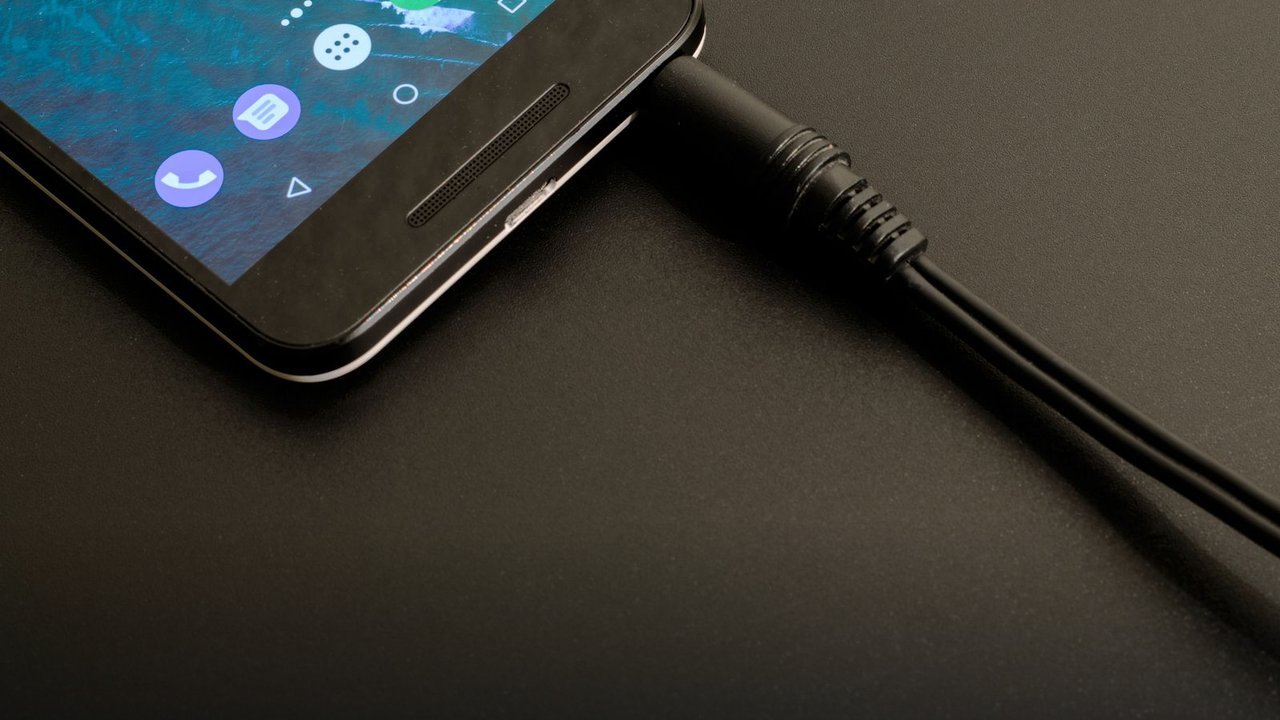
That bargain-bin cable might “work,” but uncertified accessories often lack proper power negotiation and heat safeguards, delivering unstable power that stresses the battery and the port. Stick to certified chargers — USB-C Power Delivery for iPhones and most Android phones, or your manufacturer’s own fast-charging standard.
4. Fast-charging to 100% every single day
Fast charging is convenient, but it generates more heat than slow charging — and heat plus a full 100 percent top-off is the worst pairing for battery longevity. Charging overnight needs no speed at all: a slower charger while you sleep is gentler and still gives you a full phone by morning.
5. Regularly draining the battery to zero
Deep discharges stress lithium-ion cells more than partial ones. The sweet spot experts recommend is the 20–80 rule: keep the battery between 20 and 80 percent most of the time, and save full 100 percent charges for days you truly need maximum runtime.
6. Gaming or streaming while plugged in
Playing games, video-calling, or streaming while charging forces the phone to power the screen and processor and charge the battery at the same time. The result is extra heat and noticeably slower charging. Let it rest while it charges, or at least keep heavy apps closed. Late-night sessions are also a classic way doomscrolling keeps your mind racing long after you meant to sleep.
7. Ignoring the battery-protection settings already on your phone
Almost every modern phone ships with a feature built exactly for overnight charging — and most people never turn it on. On iPhone: Settings > Battery > Battery Health & Charging, with an 80 percent cap or Optimized Battery Charging. Samsung offers Battery Protection with an 80 percent cap or an adaptive mode that learns your wake-up time. Pixel has Adaptive Charging, which slows the overnight top-up and finishes before your alarm. One toggle removes most of the downside of charging overnight.
The 20-80 rule, explained simply
You will see the “20–80 rule” everywhere in battery advice. Lithium-ion batteries experience the least chemical stress in the middle of their charge range: sitting at 0 percent strains the cell, and sitting at 100 percent strains it too. The middle is the comfort zone.
That does not mean you must obsess over the number. Think of it as a guideline, not a law: charge when you drop toward 20, stop around 80, and only go to 100 when you need a long day away from outlets.
How to charge overnight the smart way
- Turn on the 80 percent cap or adaptive/optimized charging in your battery settings.
- Charge on a hard surface (nightstand, desk) — never under a pillow or on the bed.
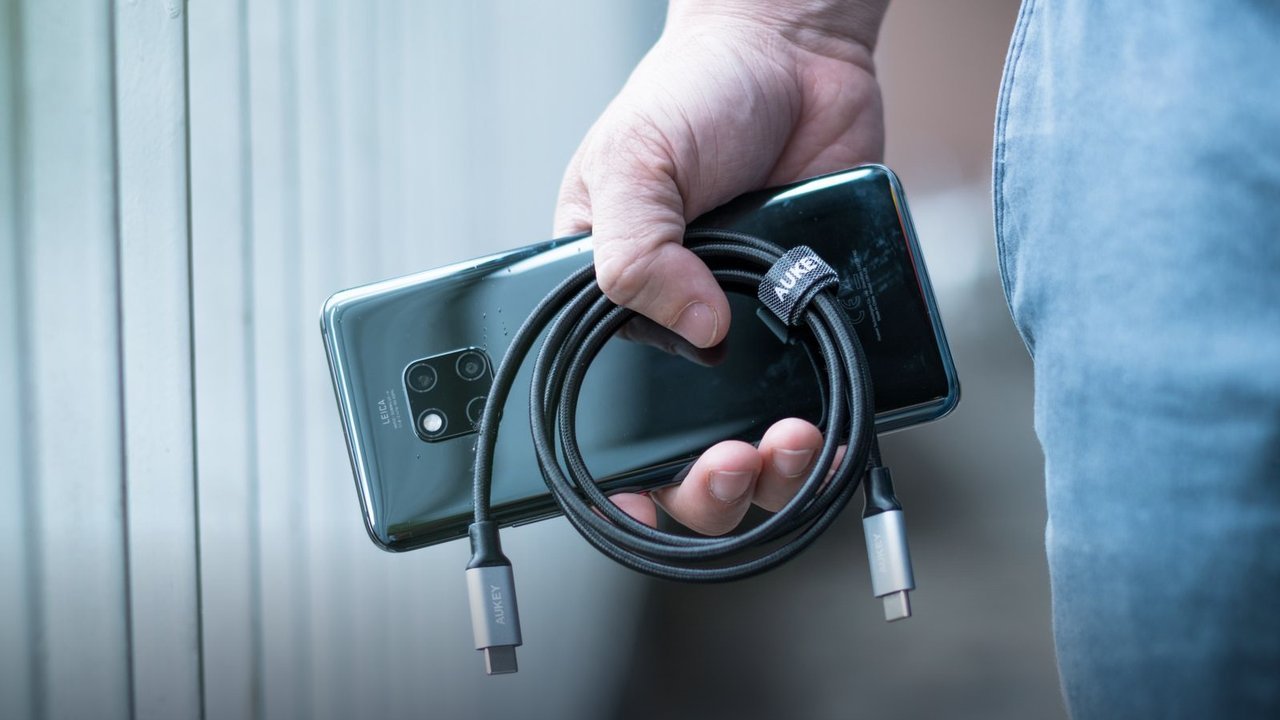
- Use a certified cable and charger; retire frayed or damaged accessories immediately.
- Take thick cases off if the phone feels warm while charging.
- Prefer a slower charger overnight — speed is pointless while you sleep.
Frequently asked questions
Does charging your phone overnight ruin the battery?
No — it will not ruin it. Modern phones stop charging at 100 percent automatically. But nightly hours pinned at full charge plus warmth do add gradual wear, so the 80 percent cap or adaptive charging removes most of the downside.
Should I charge my phone to 100 percent?
Only when you need it. For daily use, stopping around 80 percent keeps the battery in its low-stress zone. Save 100 percent charges for travel days or long outings.
Is it better to leave my phone on or off while charging overnight?
Either is fine, but powered on with optimized charging enabled is the practical choice — your alarm still works.
Why is my phone charging so slowly overnight?
The usual culprits: a weak or damaged cable, a low-wattage charger, a dirty charging port (pocket lint is shockingly common), heavy background apps, or a battery-protection feature deliberately holding the charge at 80 percent.
So — is it bad to charge your phone overnight? No, not with a modern phone and a few smart settings. The charger is not the villain; heat, cheap accessories, and months of 100-percent pinning are. Switch the battery protection on tonight and move the phone onto the nightstand — and if you feel tired all the time, that one change may help your mornings too.